

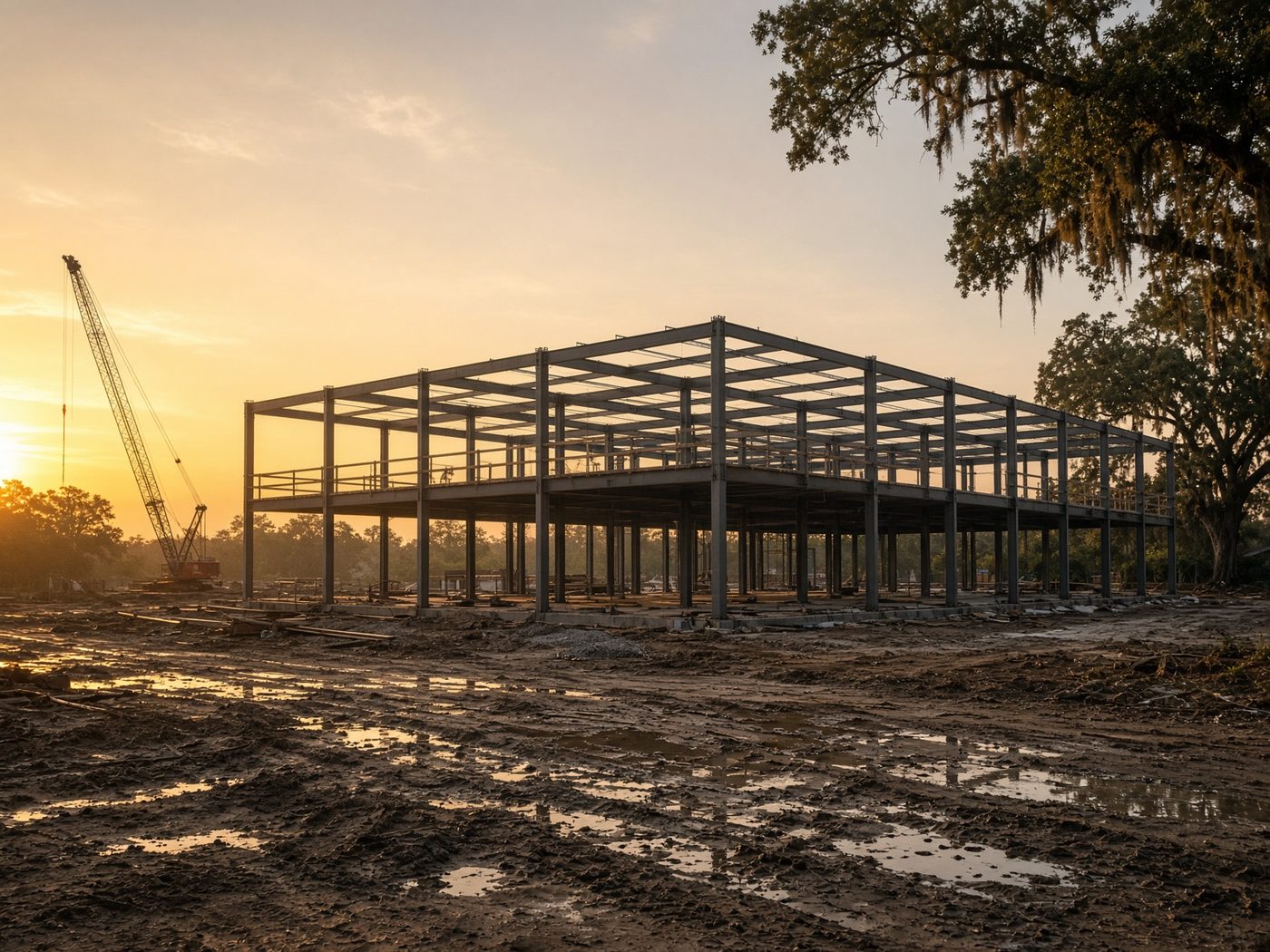
The field and the office.
Current drawings, the jobsite trailer's connection, and crew logins all belong in one agreement. When the crew changes, access changes with it, and project files stay in a system the company controls.
- Jobsite internet and Wi-Fi
- Plan and photo storage with permissions
- Support for the equipment-tracking system you already use
- One team for the trailer and the office
The first 90 days with a construction company.
First month: We learn the office, the trailers, and the jobsites, put the tools in place to protect project files, and write down the gaps.
Second month: The team that stays with you takes the calls, whether the problem is in the office or on a job.
Third month: We recommend what to change before the next job, based on how the crew and the office actually work.
What goes in a construction company's agreement.
Your sites, the people who move between them, and a backup that isn't a laptop in a truck. A new hire should have access the morning they start on a jobsite and lose it the day they finish.
Common jobsite IT problems.
The office is secure, but the trailer is on a guest network with a shared password. Or a subcontractor still has drawings from a job that closed months ago. We check for both in the first month.
The office and the trailer.
A construction company doesn't work out of one building. The office, the trailer, and the superintendent's login are part of one network. Everyone should work from the current set of drawings, and people who finished the job shouldn't still have access.
We don't replace your estimating or project management software. We make sure it works from the office and the field for the people who are supposed to use it.
- Office and jobsites on one network plan
- Crew access that ends with the job
- Files a superintendent can open from the field
- Backups the company controls
Frequently asked questions.
- What IT services do construction companies need?
- Construction companies need reliable jobsite internet, secure sharing for plans and bids, managed devices for field crews, support for estimating and project management software, and backups that don't live on a laptop in a truck. Cybersecurity matters too, because builders are frequent targets of payment fraud. We serve builders from our offices in Lafayette, Baton Rouge, and Anchorage.
- Do you support construction software like estimating and project management tools?
- Yes. We support the construction software you already pay for by managing the logins, devices, network, and access around it. We don't replace the software or resell it. When the application itself has a problem, we work with the vendor for you, so your project managers have one number to call.
- How do you set up internet and Wi-Fi at a construction jobsite?
- Jobsite internet usually comes from a cellular or fixed wireless connection to the trailer, with Wi-Fi that reaches the work areas that need it. We plan the setup before the job opens, secure it with its own network instead of a shared guest password, and include each jobsite in your agreement.
- How can field crews access project files securely?
- Store project files in a company-controlled system like SharePoint, then give crews access through managed phones, tablets, or laptops with multi-factor authentication. That way superintendents can open the current set of drawings from the field, and the company can remove access the day a person or a job is finished.
- What is mobile device management for construction crews?
- Mobile device management lets a company secure and control the phones, tablets, and laptops crews use in the field. It can push apps and settings, require passcodes, and wipe company data from a lost device. For construction companies with high crew turnover, it's the simplest way to keep project files off unmanaged devices.
- How should construction companies handle IT access when crews change?
- Tie access to each job and each person, then remove it as soon as someone leaves or the job closes. That includes email, shared drives, project software, and any devices. We run onboarding and offboarding as a set process, so access changes the same day the crew does.
- Should subcontractors keep access to project files after a job closes?
- No. Subcontractor access should end when their work on the job is finished. Old shared links to drawings and bids are a common security gap. In the first month, we find files still shared from closed projects, remove that access, and set up a process so it ends automatically going forward.
- Where should a construction company back up its project files?
- Back up project files, photos, and estimating data to a secure offsite location the company controls, away from both the trailer and the main office. A laptop in a work truck isn't a backup. For builders in storm-prone areas, an offsite copy also protects your project records if a hurricane damages the office.