

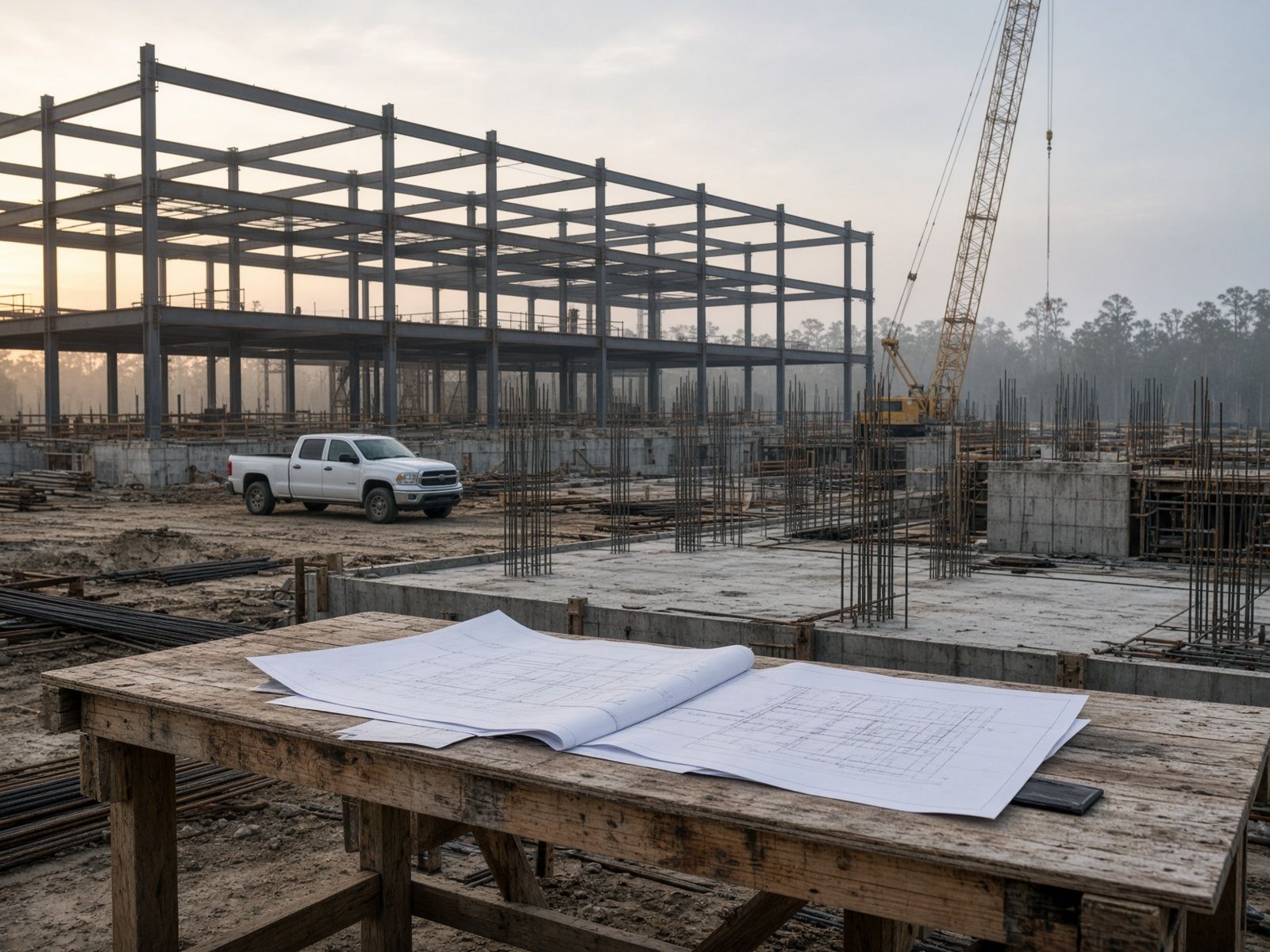
What our team did.
- A ticket system, network monitoring, a full cybersecurity stack, documentation, phishing simulations, and security training
- Infrastructure for a new point-of-sale system, with tablets for salespeople and drivers
- 200 aging Windows 7 computers replaced with new machines running what was then the latest version of Windows, each set up for the job before it arrived
- Cloud and on-premises servers upgraded to Windows Server 2022
- A Microsoft 365 platform, including Power Automate, Teams, SharePoint, and OneDrive
The results.
Network issues and outages dropped 99%. The company now has a platform it can grow on, and our team is still the one it calls.
Lessons for other construction companies.
The office and the jobsites needed one secure way in, and a backup that wasn't a laptop in a truck.
We put both in place, and we answer when the superintendent calls. Other builders should include the trailer and the office in the same IT agreement. If the scope stops at the front desk, the jobsite is on its own.
If your company looks like this: the first 90 days.
Month one: We stabilize the network, start network monitoring, and put patches on a schedule.
Month two: Repetitive tasks are automated, the ticket system and documentation are in place, and phishing simulations and security training begin.
Month three: We plan the larger modernization with you, like replacing aging computers, upgrading servers, and building out Microsoft 365, in an order the business can manage.
What we'll tell you about your network.
Whether your trailers and office are covered by one agreement, and what your jobsites are missing if they aren't.
Frequently asked questions.
- Can we get a reference from this construction company?
- Yes. We keep the company's name off this page at their request, but we can arrange a reference. Call sales at (337) 362-1910. Talking to a builder who went through the same network rebuild and computer replacement is the best way to understand what the process looks like.
- How much did network outages drop for the construction company?
- Network issues and outages dropped 99% after we rebuilt the network, started monitoring, and put patches on a schedule. The company also gained a full cybersecurity stack, phishing simulations, and security training, plus a Microsoft 365 platform with Teams, SharePoint, OneDrive, and Power Automate.
- How do you replace hundreds of computers without disrupting a business?
- Stabilize the network first, then replace computers in planned groups, with each machine set up for the job before it's delivered. For this company, we replaced 200 Windows 7 computers with machines on what was then the latest version of Windows, after the network rebuild. Scheduling the work in phases kept crews and the office running.
- What should a construction company have ready for a first call with an IT provider?
- Have your headcount, the number of jobsites and trailers you run, and the name of whoever holds admin access today. That's enough to scope the first 90 days. In the first month, we stabilize the network and set up monitoring, then plan larger upgrades with you.
- What should we do if a jobsite network goes down?
- Call support at (337) 362-1900. Our help desk answers in 7 seconds on average, 24/7, and solves 92% of issues on the first touch. A superintendent with a down connection shouldn't have to wait for a callback or sit through a sales conversation to get the jobsite working again.